Your next viral clip is one away.
PodClip finds the moments worth posting in your Hindi, Hinglish, Tamil and Telugu episodes, cuts them on the word and hands you captioned vertical clips to approve.
Plant a flag on the moment.
0:00:00
- Scout has read
- 0 of 124 min
- Candidates marked
- 0
- Kept by the Editor
- 0
Sach bataun? Mera pehla startup bilkul disaster tha.
Scout, a low-cost model, reads all two hours and marks fifteen moments with its reasons. The Editor, the strongest model you have, keeps the nine that stand on their own.
Bas thoda juggad lagaya.
Your guest said “jugaad”. So do the captions.
Scribe heardBas thoda juggad lagaya.
Sarvam heardBas thoda jugaad lagaya.
Two engines hear every clip. Where they agree, the words go straight through. Where they don't, PodClip asks you about that word and nothing else.
Which did your guest say?
The end lands after “nikla”, in the quietest 20 ms of the pause, with an 8 ms fade. Never inside a word.
 Seat 1 speaking
Whoever talks, stays in frame.
From the 16:9 master, PodClip cuts a 9:16 frame on the person speaking, and cuts to the other seat once they've talked for 1.2 seconds. It never pans.
Equal light on every seat.
The goal is the same light on every face, not the same skin tone. PodClip measures each face's highlights, then corrects inside a soft mask per face:
- Exposureto the shot's target, within −0.5 to +0.8 stop
- Filllifts the shadow side when the ratio passes 2.5:1
- White balancetoward the reference face, saturation untouched
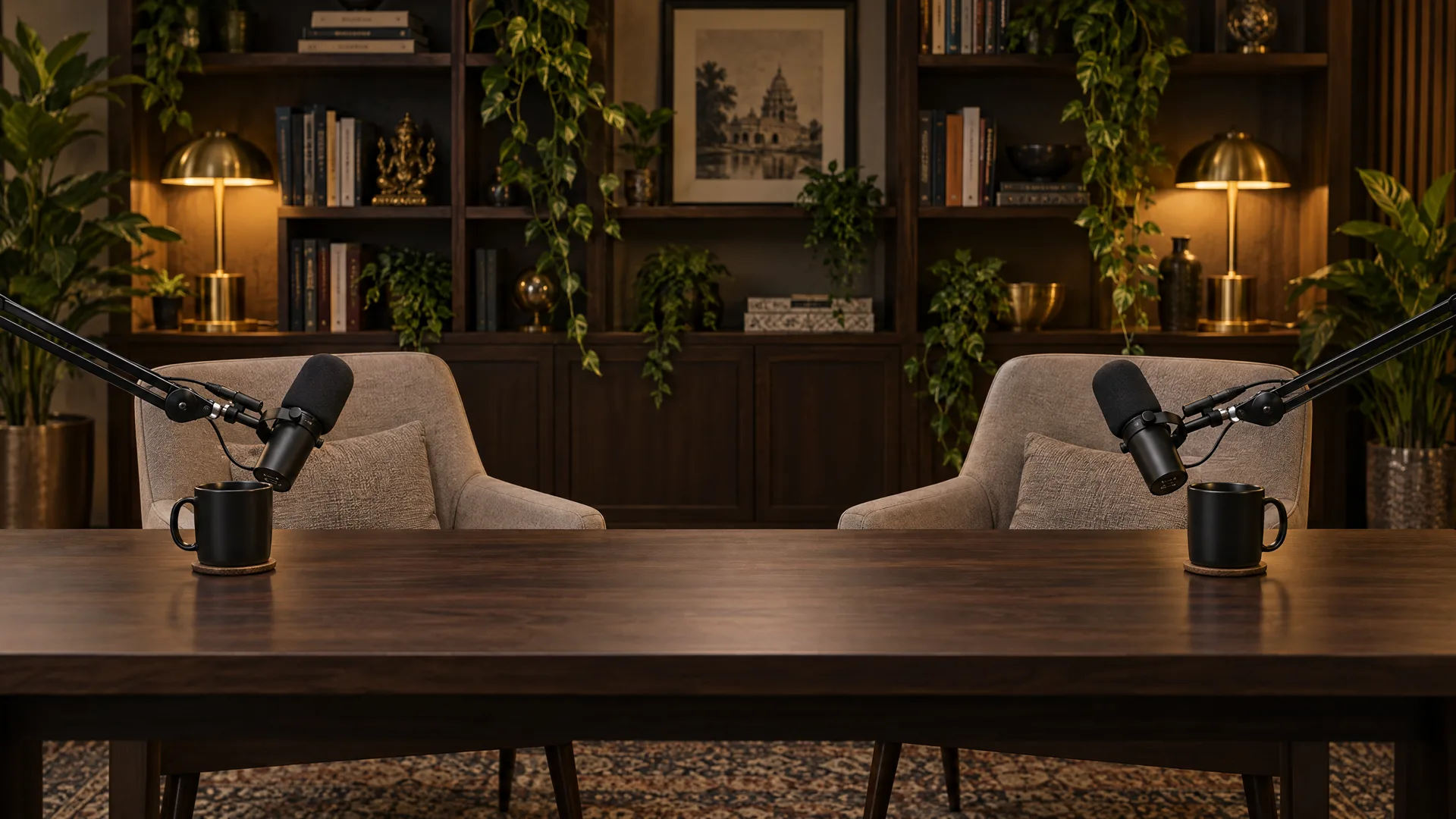
Shown here on an empty set. The correction runs per face, per shot, smoothed over about a second.
Hours of talk. Minutes of work.
One one-hour episode, from Start to the last export. Targets, not measurements.
0.0 min
Measured so far, on one mid-range laptop (24 Nov 2026)
- 23.3 sto pull the audio out of an 11.35 GB, 15-minute 4K file on a 5400 rpm hard disk
- 0.1 sto open that file: read in place, never copied or uploaded
- 48 fpsrendering 1080 × 1920 H.264 from a 1080p source (33 fps from 4K)
Each clip arrives cut, framed and captioned. Keep it or skip it.
3 clips to review
Kept
Skipped
K keep S skip U undo, the same keys as the review screen.
Every clip, in the script your viewers read.
Also Tamil and Telugu, in their own script or in Roman letters.
முதலில் பத்து customersముందు పది మంది customersMade for Indian languages. Most clippers aren't.
| Tool | Indian languages | Roman (Hinglish) captions | English words in English letters | Source |
|---|---|---|---|---|
| PodClip | Hindi, Hinglish, Tamil, Telugu | Yes | Yes | This page |
| OpusClip | Its help page (12 Nov 2026) says it does not support Hindi | No | No | help.opus.pro (opens in a new tab) |
| Descript | Hindi in beta | No, an open feature request | A user reports English words written in Devanagari | descript.com (opens in a new tab) |
| Submagic | Hindi and eight more, in native script | No: its FAQ says to retype in Roman letters | Not stated | submagic.co (opens in a new tab) |
| Kapwing | A romanized-Hindi subtitle tool | Yes | Not stated | kapwing.com (opens in a new tab) |
| Premiere Pro | Hinglish speech-to-text is a community request | No | No | community.adobe.com (opens in a new tab) |
From each vendor's own docs, help pages and forums, checked November 2026. Products change: follow the source for the current answer.
One brand kit per show.
A kit is one file: caption style and fonts, colours, logo position, layout, pace, light and impact edits. Switch it and every clip restyles. Nothing is transcribed again.
Pehle customer, phir code
Safe zone 900 × 1400One folder per episode. Ten checks first.
- Saveto a folder you pick, or one zip
- Google Driveeach clip uploads the moment it passes
- Linkspaste a YouTube link; the helper fetches the audio first, so work starts in seconds
The Builders Podcast / 2026-11-26 Season 2, episode 4
- MP401 pehla-startup-disaster.mp41080 × 1920, captions burned in
- SRT01 pehla-startup-disaster.hi.srtCaptions per script, also .vtt
- ASS01 pehla-startup-disaster.assStyled captions for Premiere Pro or Resolve
- TXT01 pehla-startup-disaster.txtTitle, hook, source timecodes, speakers
- JPG01 pehla-startup-disaster.jpgCover frame at the hook
- JSONepisode.jsonBoth transcripts, edit lists, check results
- LengthMatches the edit within one frame
- SyncFirst word within 40 ms of its caption
- CutsNever inside a word, no clicks
- Loudness−14 LUFS ±1, peaks at or below −1 dBTP
- PictureNo black or frozen run over 3 frames
- FramingThe speaking face in the crop 95% of the time
- CaptionsTwo lines at most, inside the safe zone
- ScriptEvery character valid in its script
- BrandFonts loaded, logo where the kit says
- FileFirst and last frames decode
Everything PodClip does in v1.
- Clip pickingScout, a low-cost model, reads the whole transcript and marks 15 to 20 candidates. The Editor, the strongest model you have, keeps the ones that stand alone, trims them and writes titles and hooks.Steps 5, 6, 10
- Two-engine transcriptionElevenLabs Scribe hears the whole episode with speakers and laughs. Sarvam hears the clips again. Where they disagree, you answer one question.Steps 4, 7, 9
- Cuts on the wordCuts move to the quietest 20 ms between words, with 8 ms fades. Long pauses and fillers come out at the pace your kit sets.Edit
- Speaker framingSpeaker focus, split screen, or wide with blur. The crop cuts to whoever talks; it never pans.Step 8
- Equal lightExposure, fill and white balance per face, measured on highlights so skin tone is left alone, smoothed over a second.Step 8, render
- Impact editsZoom punches, caption pops and punch words on laughs and peaks, at most one every 6 to 10 seconds.Edit
- Captions in four scriptsNative script, mixed (English words in English letters), Roman, and an English translation, word-synced.Step 9, render
- Brand kitsOne file per show: caption style, fonts, colours, logo, layout, pace, light and impact strength.Render
- Hook text and safe zonesAn optional hook banner for the first seconds. Captions stay inside 900 × 1400 of the 1080 × 1920 frame.Render
- Ten checksLength, sync, cuts, loudness, picture, framing, captions, script, brand and file, before anything exports.Step 13
- ExportMP4 with captions burned in, SRT and VTT per script, ASS for Premiere Pro and DaVinci Resolve.Step 14
- Drive and linksPaste a YouTube link and the helper fetches the audio first. Finished clips save to a folder or upload to Google Drive as each passes.Steps 1, 14
Not in v1: switching between separate camera files, B-roll, neural relighting, offline transcription and auto-posting.
Who it's for.
Podcast studios
You record every week and the clips are due before the next episode. PodClip hands you ranked, finished clips; you approve them in about 30 seconds each.
Brand kit per show · ten checks · Drive deliveryFreelance editors
Skip the scrub, keep the craft. Take the cuts and captions into your own timeline: ASS captions for Premiere Pro and Resolve, source timecodes in a text file.
ASS export · SRT and VTT · source timecodesAgencies
Many shows, many looks. Each show keeps its own kit, glossary and corrections, so the tenth episode needs fewer fixes than the first.
One kit per show · saved corrections · per-show glossaryBefore you ask.
How does it work?
Open the episode file or paste its link. PodClip transcribes it, finds the moments worth posting, then cuts, frames, lights and captions each one. You keep or skip each clip and fix any word it marks, and approved clips export as they pass the checks.
Which languages?
Hindi, Hinglish, Tamil and Telugu. Captions come in the language's own script, mixed with English words in English letters, fully in Roman letters, or translated to English.
How right are the captions?
Two engines hear every clip. Words they agree on go straight through, a disagreement is checked against your show's glossary and then by the Editor, and anything still unsure is marked for you. The goal is no wrong word on screen after your review.
What kind of videos?
Podcasts and interviews with one to four people, from one camera or a wide shot. Switching between separate camera files, B-roll and auto-posting come after v1.
How big can the file be?
Any size. A 100 GB recording opens in Chrome or Edge and is read in place, only the parts needed, when they're needed. YouTube links download through a small helper on your computer.
Can I finish in my own editor?
Yes. Every clip comes with ASS captions for Premiere Pro and DaVinci Resolve, SRT and VTT files, and its source timecodes.
What does it cost?
Your first hour of podcast is free, with a small PodClip watermark on the clips. After that, Show is ₹2,999 a month for 5 podcasts, Studio ₹4,999 for 10 and Network ₹9,999 for 25, with ₹300 for each podcast above 25. Re-renders and fixes are always free.
Does my video get uploaded?
No. The recording stays on your computer and is read in place. Only the audio goes to the speech services and only text to the language model. Finished clips, their captions and the run details are kept in your PodClip library so you can open them on another computer.
Clip toh banta hai.
Your first hour of podcast is free. Clip an episode and keep your first clip today.